Effective access, with receipts
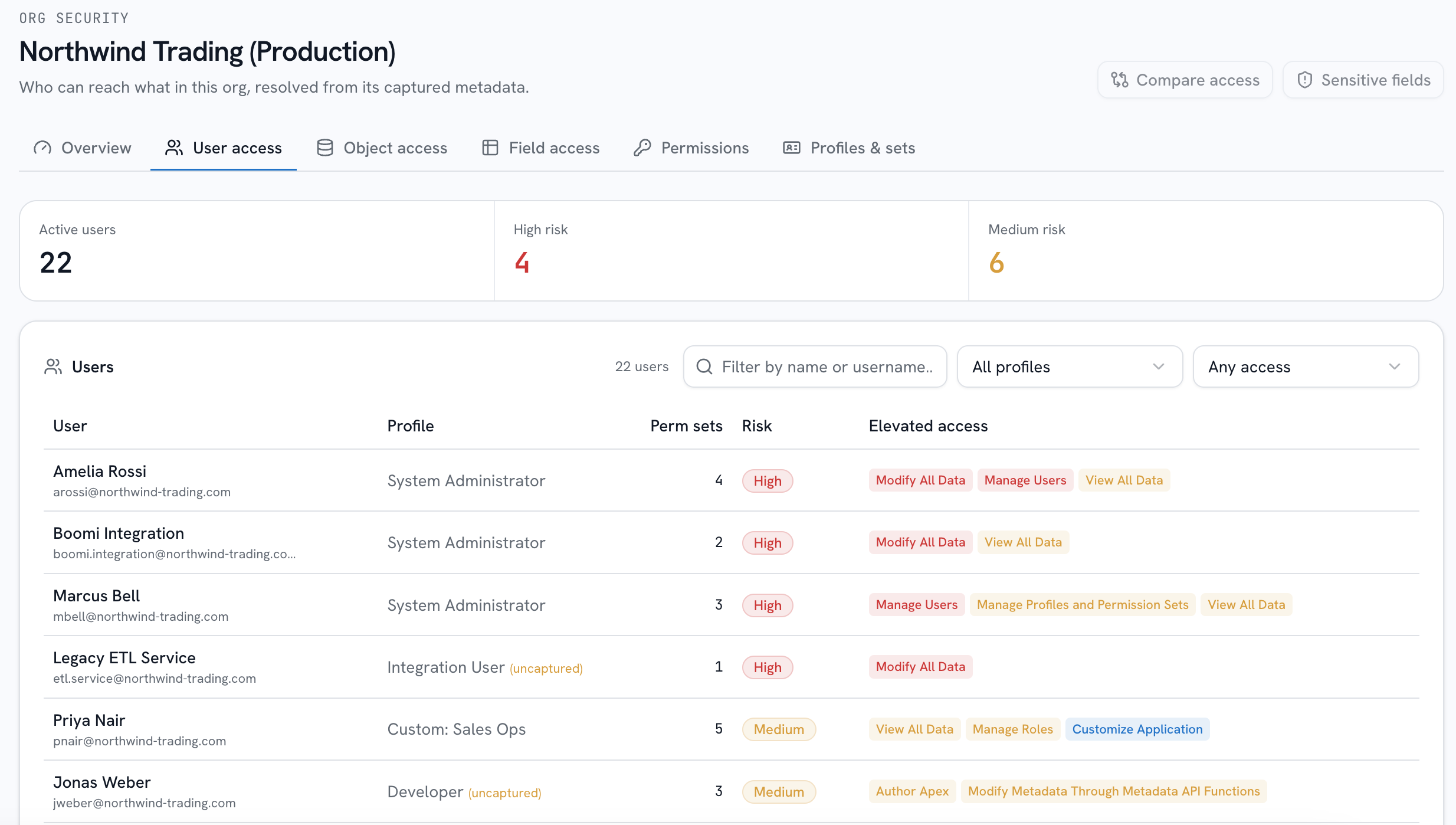
Analyze effective access for your most active users, with every grant traced to its source. bluefactory scores each org's posture from the Profiles, Permission Sets and Security Settings your Change Tracker already captures, then joins it with the live assignments of your 200 most-recently-active users.
Who can touch what, and how they got the right
A posture score per org
Rules run over the captured Profiles, Permission Sets and Security Settings, so “how are we doing?” has a score and “where?” has a drill-down. Every analysis is recorded, so the trend across captures is visible too.
- Findings roll up
- Scored per org
- Trend across captures
Effective access per user
A user's profile plus every permission set they hold, combined on one page. That union is the access Setup never renders for you, and each grant records how it arrived.
- Profile plus sets
- Granted-via on each
- Links to every item
Reverse lookup for any item
Pick an object, field, Apex class or system permission and read every scanned user who holds it, riskiest first, with the granting component next to each name. Every metadata name in the module links to that page.
- Objects and fields
- Apex and permissions
- Riskiest first
Dangerous permissions, rated once
Permissions like Modify All Data are severity-ranked in a single shared catalog, so a risk is described with the same impact and the same recommendation wherever it surfaces.
- One severity catalog
- Same copy everywhere
- Sensitive fields marked
Access you can follow in both directions
Posture, computed from a snapshot
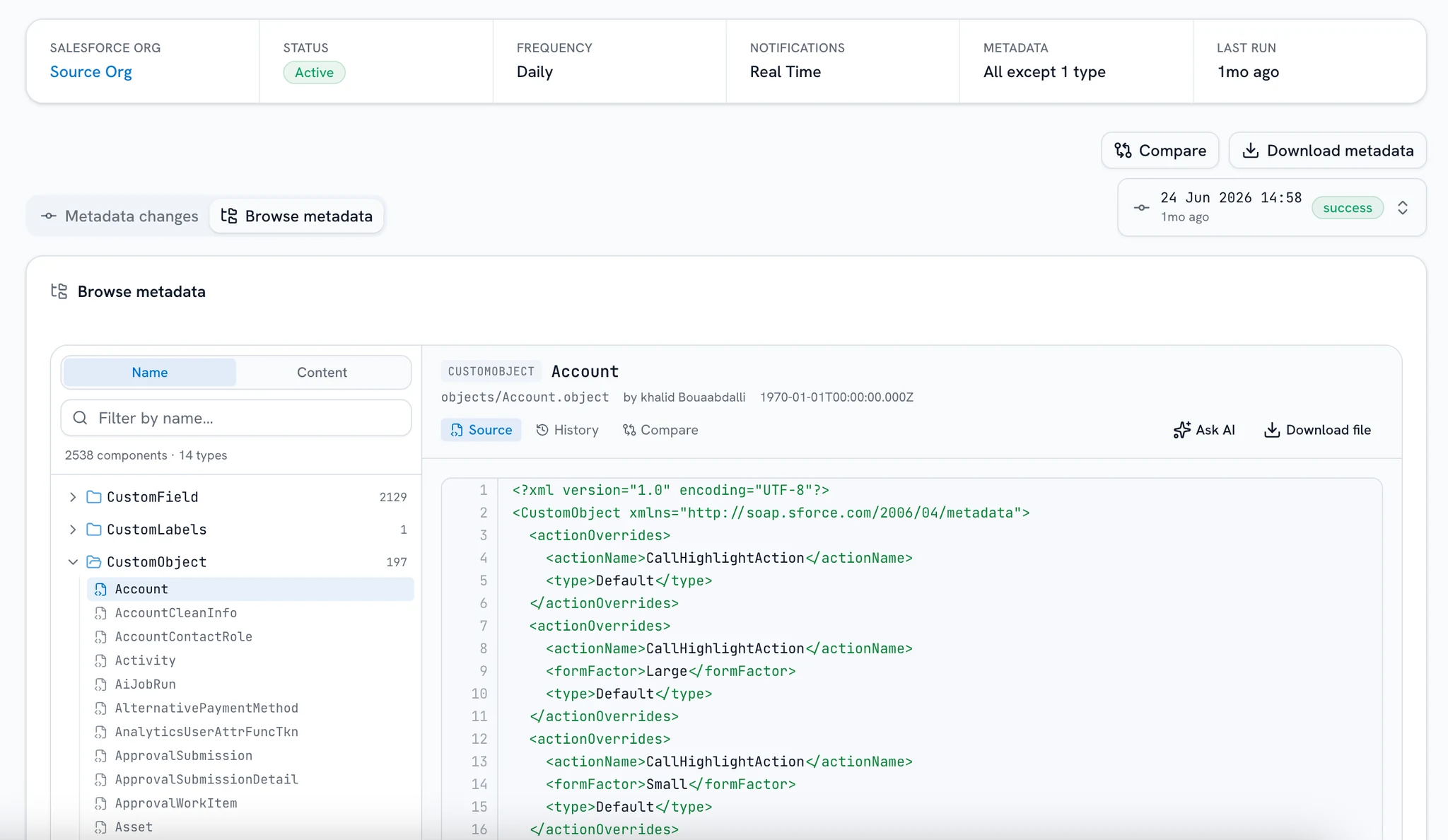
The Change Tracker's scheduled build captures your Profiles, Permission Sets and Security Settings, and analysis rules run over that captured metadata. Findings roll up into a per-org score, so “how are we doing?” has a number and “where?” has a drill-down. Nothing is installed in your org and nothing is written to it.
From snapshot · build #218
Rules run over the captured metadata, never your live configuration.
Frequently asked questions
Where the posture comes from, how current it is, and which users the live join covers.
Want a demo? Book a demo
Is this live org scanning?
No. Posture is computed from the metadata snapshots your Change Tracker captures: Profiles, Permission Sets and Security Settings. The only live reads are two read-only queries (your most-active users and their permission-set assignments) joined against the snapshot. If the org is unreachable, the page shows an error state instead of breaking, and nothing in your org is ever modified.
What do I need before scores appear?
A Change Tracker on the org with at least one captured snapshot; Security Center reads its security metadata from there. If you haven't set one up yet, that's the place to start.
How current is the picture?
As current as your last capture: posture is recomputed from the newest snapshot, so it reflects the org as of that build. User assignments are the exception. They're read live on each view and deliberately not stored, so that side of the join can't go stale silently.
What produces the score?
Analysis rules over the captured Profiles, Permission Sets and Security Settings. Each rule produces findings and the findings roll up into the per-org score. Dangerous permissions like Modify All Data come from one severity-ranked catalog, so the same risk is described with the same words wherever it appears.
Can it answer “who can read this field?”
Yes, that's the reverse lookup. Every object, field, Apex class and system permission has an access page listing the scanned users who hold it, with the profile or permission set that granted it, and every metadata name across the module links to that page.
Does it cover every user in the org?
The live join reads your top 200 most-recently-active users, the accounts doing the actual touching, and every count in the UI notes that bound. Profiles or permission sets a user holds that the snapshot didn't capture are flagged rather than silently ignored, so the view is honest about what it might understate.
Answer the auditor before the follow-up email
Set up a Change Tracker, let it capture a snapshot, and the Security Center scores it. Nothing installed in your org, nothing written to it.